Companion AI
One good quote a day, at the time you choose. Works offline, with no feed.
- Platform
- Android
- When
- Mar to Jul 2025
- Role
- Sole developer
- Updated
- 19 Mar 2026
- Price
- Free
- Status
- Live on Google Play, 100+ downloads
How it works
4 steps- 01
Pick your time
Choose when your quote arrives, daily or weekly.
Open larger: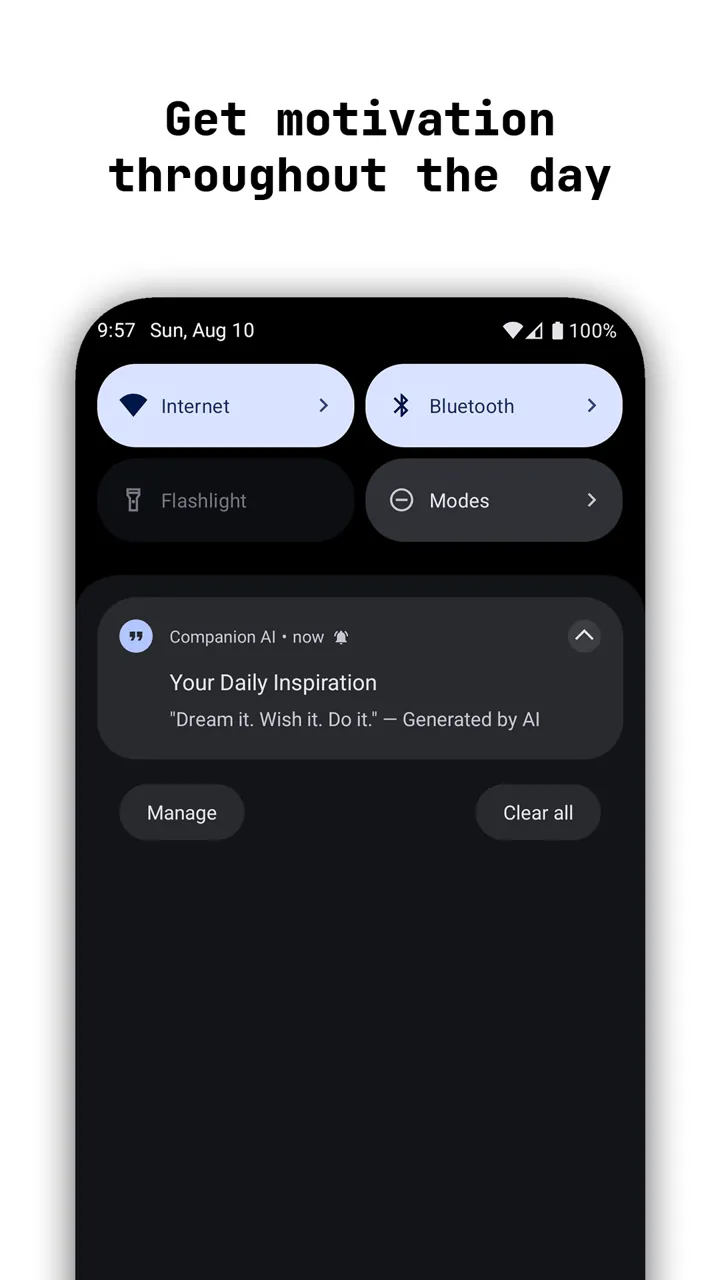
- 02
Swipe through quotes
Left for the next, right to go back, up to save, down to share.
Open larger: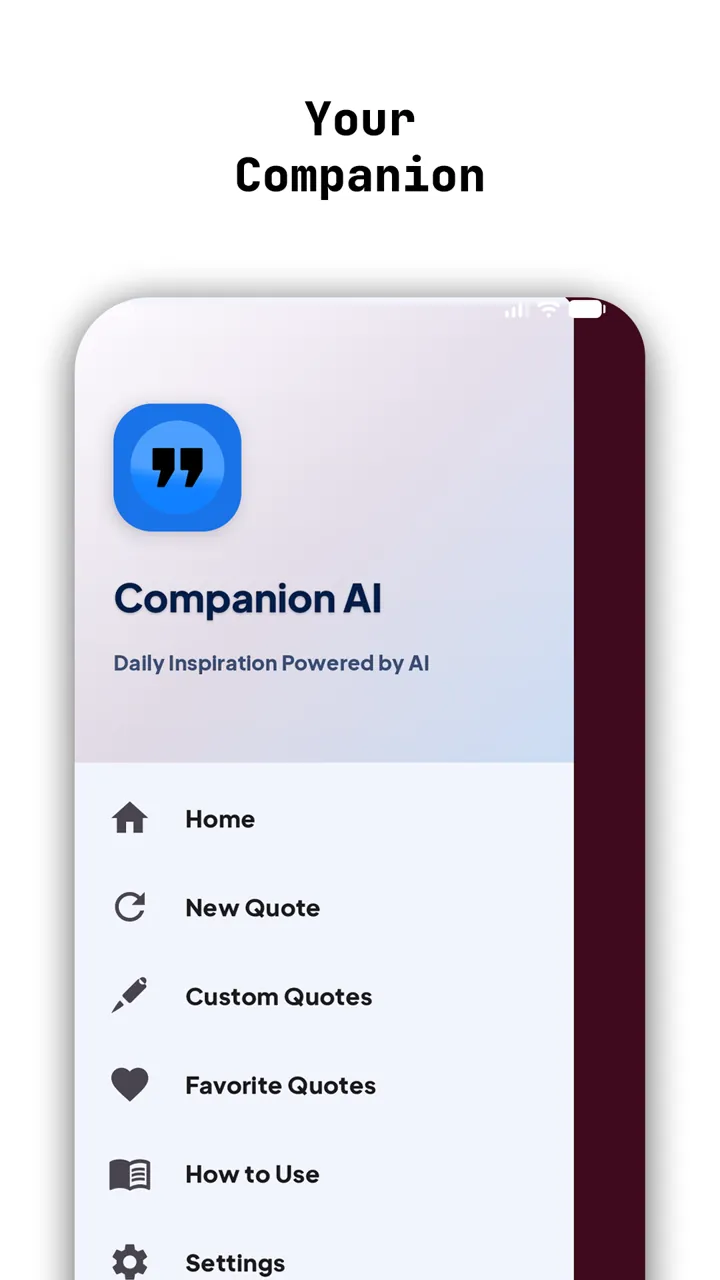
- 03
Keep the good ones
Build your own collection of favourites, and quotes of your own.
Open larger: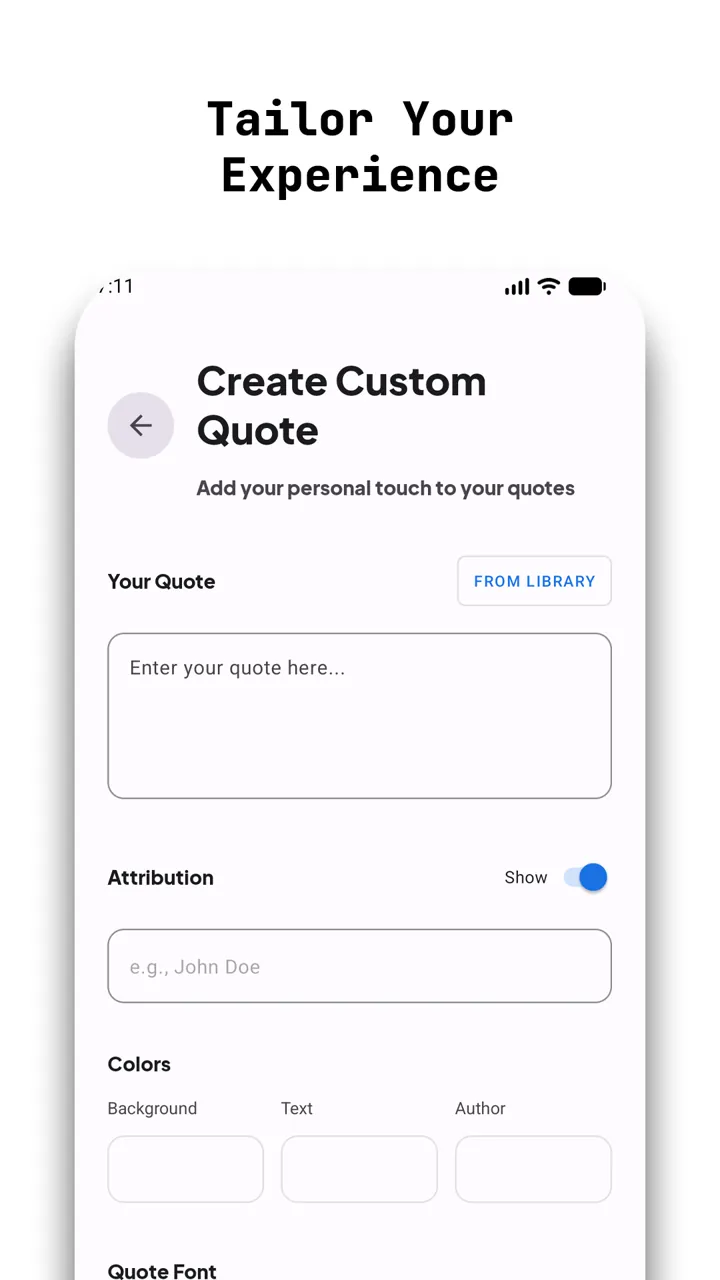
- 04
Share it as an image
Turn any quote into a card for friends or social media.
Open larger: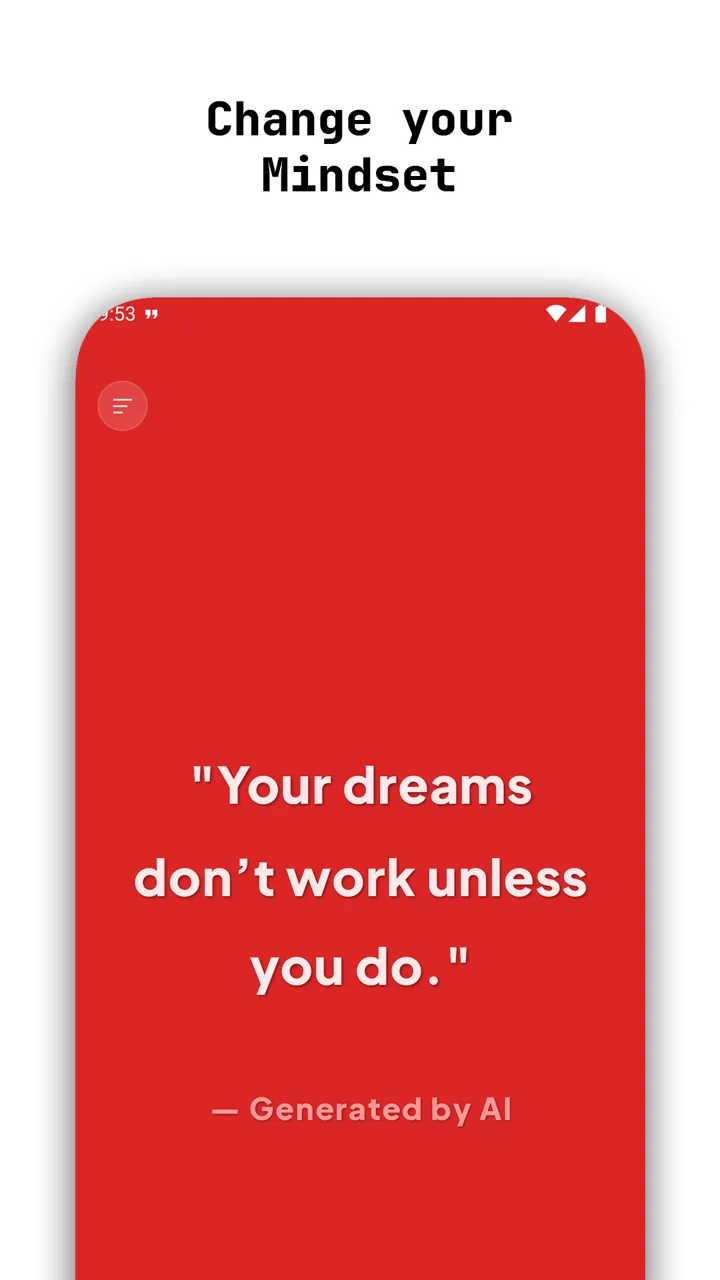
The problem
Most quote apps are loud: endless feeds and fifteen notifications a day. I wanted one good quote, once a day, at a time I pick, that works even with no connection.
What I built
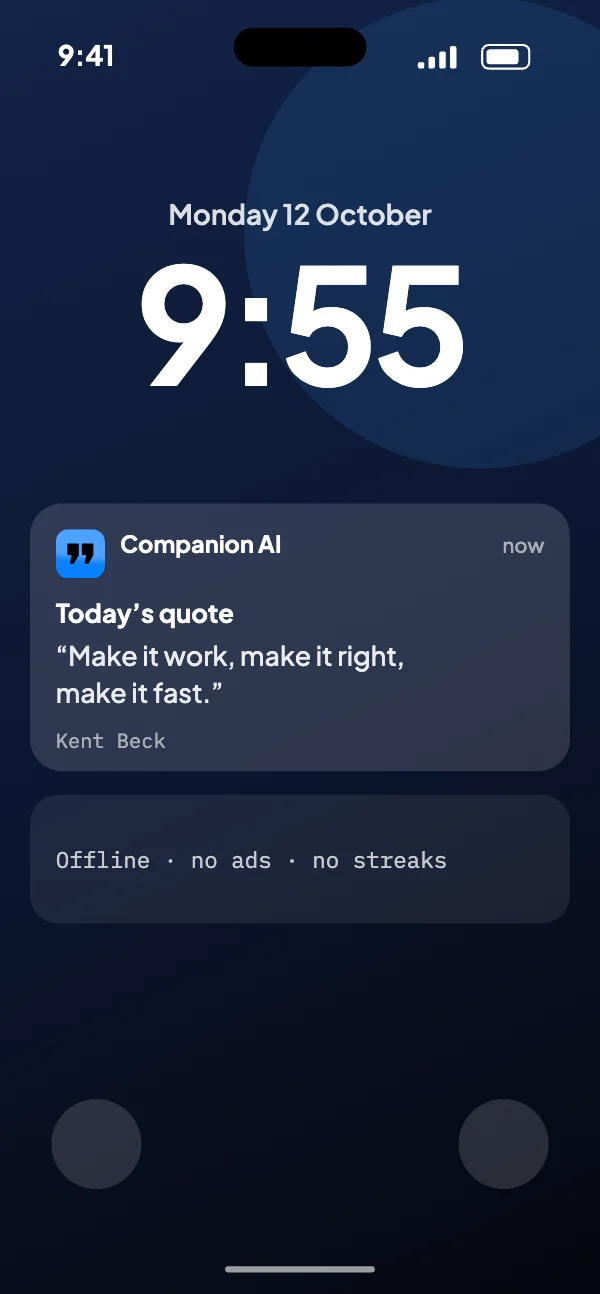
An offline-first app that serves quotes from a Room database, so one is ready the moment you open it. WorkManager refreshes the cache in the background on Wi‑Fi, and a daily notification is rescheduled after every reboot.
Hard partA daily notification that arrives exactly once, at your time, through Doze, battery savers and reboots.
What it does
- 01
30+ colour themes
Cards with smooth, minimal animation, in light and dark.
- 02
Offline first
Quotes are stored on the phone, so there’s no waiting and no internet needed.
- 03
One notification
At the time you choose, scheduled to survive restarts.
- 04
Your own quotes
Write your own and organise them with tags.
- 05
Gestures
Every action is one swipe away.
- 06
No account
Open it and the day’s quote is there, with nothing to sign up for.
Under the hood
- 01REST APIA batch of quotes
Quotes come in batches, so the app isn’t online for each one.
- 02RoomEvery quote served from the phone
Every quote is served from Room on the phone, so it works offline, with no feed.
- 03WorkManagerTops up the cache, schedules the day’s quote
Unique periodic work tops up the cache and schedules the day’s quote, its first run delayed to the time you chose.
- 04NotificationOnce, at the time you choose
One notification a day, at your time, through Doze, battery savers and reboots.
Rebuilt on Hilt
The March 2026 update moved the app onto Hilt dependency injection, for stability.
Cards that answer your finger
Quote cards round their corners as you drag them, so every swipe feels physical.
Quotes as pictures
Any quote can be shared as an image card, drawn on the phone.
In the code
Once a day, at your time
The daily quote is unique periodic work, its first run delayed to the next time you chose. Changing the time replaces it, so there’s never a second one.
utils/NotificationScheduler.kt, lines 50 to 81
private fun scheduleDailyNotifications(replaceExisting: Boolean) {
    val hour = preferencesHelper.getNotificationHour()
    val minute = preferencesHelper.getNotificationMinute()

    val currentTime = Calendar.getInstance()
    val scheduledTime = Calendar.getInstance().apply {
        set(Calendar.HOUR_OF_DAY, hour)
        set(Calendar.MINUTE, minute)
        set(Calendar.SECOND, 0)
        set(Calendar.MILLISECOND, 0)
    }

    // If the scheduled time has passed today, schedule for tomorrow
    if (scheduledTime.timeInMillis <= currentTime.timeInMillis) {
        scheduledTime.add(Calendar.DAY_OF_MONTH, 1)
    }

    val delay = scheduledTime.timeInMillis - currentTime.timeInMillis

    Log.d(TAG, "Scheduling daily notification for ${scheduledTime.time} (delay: ${delay}ms)")

    val dailyWorkRequest = PeriodicWorkRequestBuilder<DailyQuoteWorker>(1, TimeUnit.DAYS)
        .setInitialDelay(delay, TimeUnit.MILLISECONDS)
        .addTag(DAILY_WORK_NAME)
        .build()

    workManager.enqueueUniquePeriodicWork(
        DAILY_WORK_NAME,
        if (replaceExisting) ExistingPeriodicWorkPolicy.CANCEL_AND_REENQUEUE else ExistingPeriodicWorkPolicy.KEEP,
        dailyWorkRequest
    )
}Decisions
- 01
WorkManager instead of AlarmManager
It handles Doze, battery optimisation and reboots on its own.
Trade-offPeriodic work runs at most every 15 minutes, which is fine for a once-a-day app.
- 02
Fetch in batches, always serve from Room
The app should never show a spinner for a quote.
Trade-offA first launch with no internet has nothing to show yet.
A bug I remember
The quote that came four times
- What it did
- After a reboot, the daily notification fired three or four times.
- Why
- The boot receiver queued a new periodic job on every boot without checking for the one already there, so each reboot stacked another.
- The fix
- Queue it with
ExistingPeriodicWorkPolicy.KEEP: if the job is already there, it’s left alone.
What I tried first
AlarmManager
The first version used it. On the emulator it was perfect; on a Samsung with aggressive battery optimisation, alarms fired hours late or not at all.
Fetching on every open
Opened offline in the morning, it showed a spinner where the quote should be. Offline-first was obvious after that.
What I learned
- Room migrations are the most common crash after an update. Test them before release.
- Timing matters. A quote at 6:58 vs 7:02 decides whether someone sees it before or after their morning routine.
Timeline
On Google Play
One quote a day at the time you choose, favourites, your own quotes, and any quote shared as an image.
Cards that bend
Quote cards round their corners as you drag them, with new icons, a redesigned menu, and the app rebuilt on Hilt.
Built with
KotlinJetpack ComposeRoomWorkManagerHiltREST
Your dataYour quotes, favourites and settings stay on the phone, and there’s no account.
Every screen
6 from the store listing- Open larger:
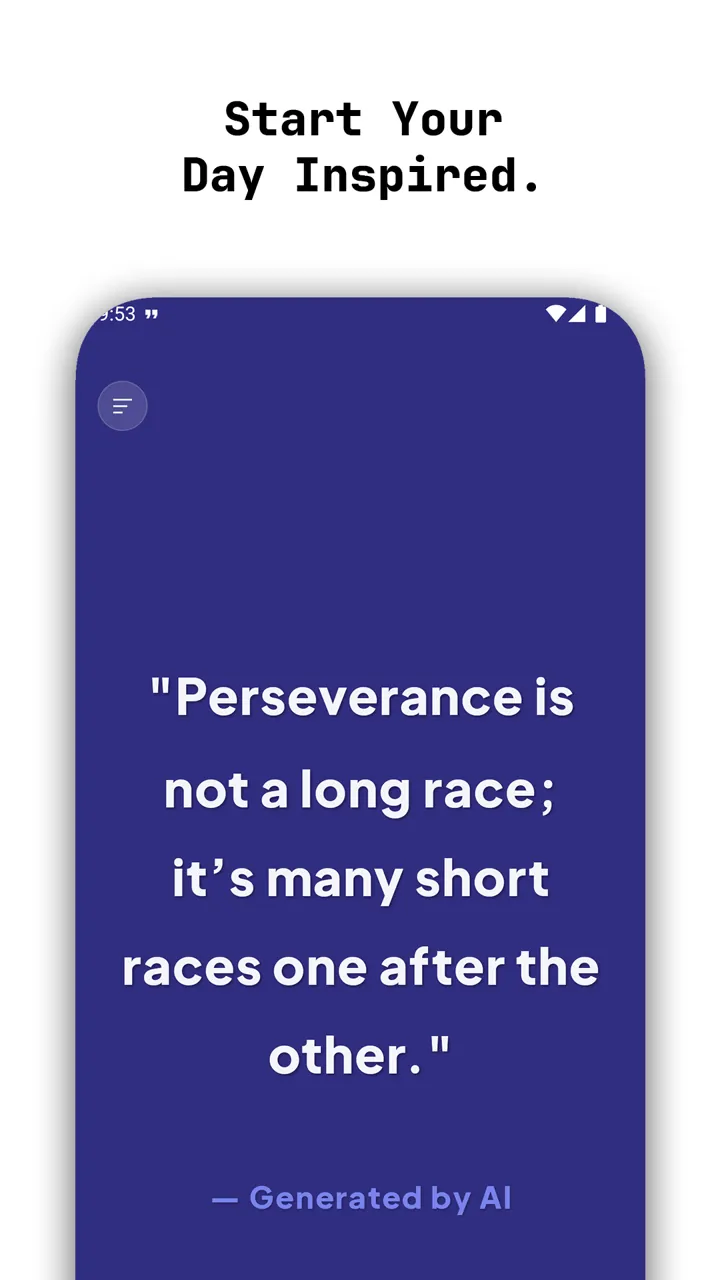
01Start your day inspired
- Open larger:
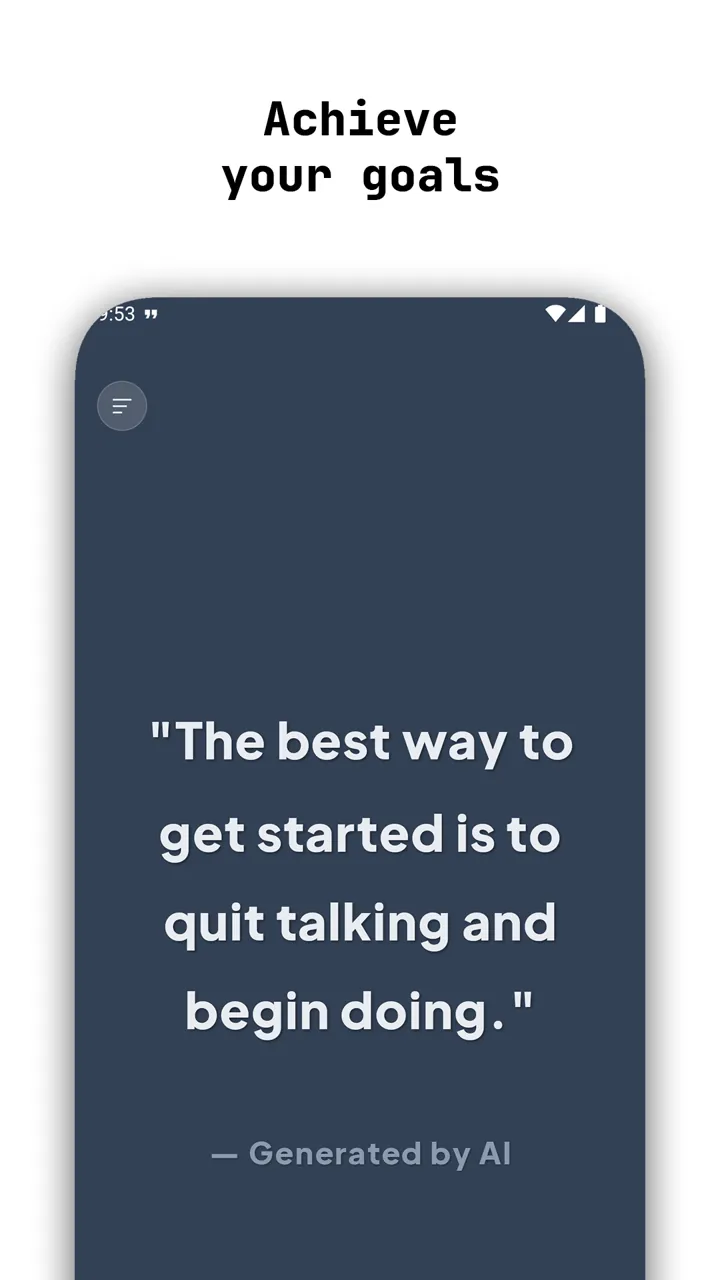
02Quotes that help you work towards your goals
- Open larger:
03A daily quote in your notifications
- Open larger:
04Themes that change your mindset
- Open larger:
05Create your own custom quotes
- Open larger:
06Your companion, one swipe away