TabCluster
Groups every open tab by site in one click, shows you first, and saves workspaces.
- Platform
- Chrome extension
- When
- May to Jul 2025
- Role
- Sole developer
- Version
- 1.2.10, 20 Mar 2026
- Price
- Free
- Status
- Live on the Chrome Web Store
How it works
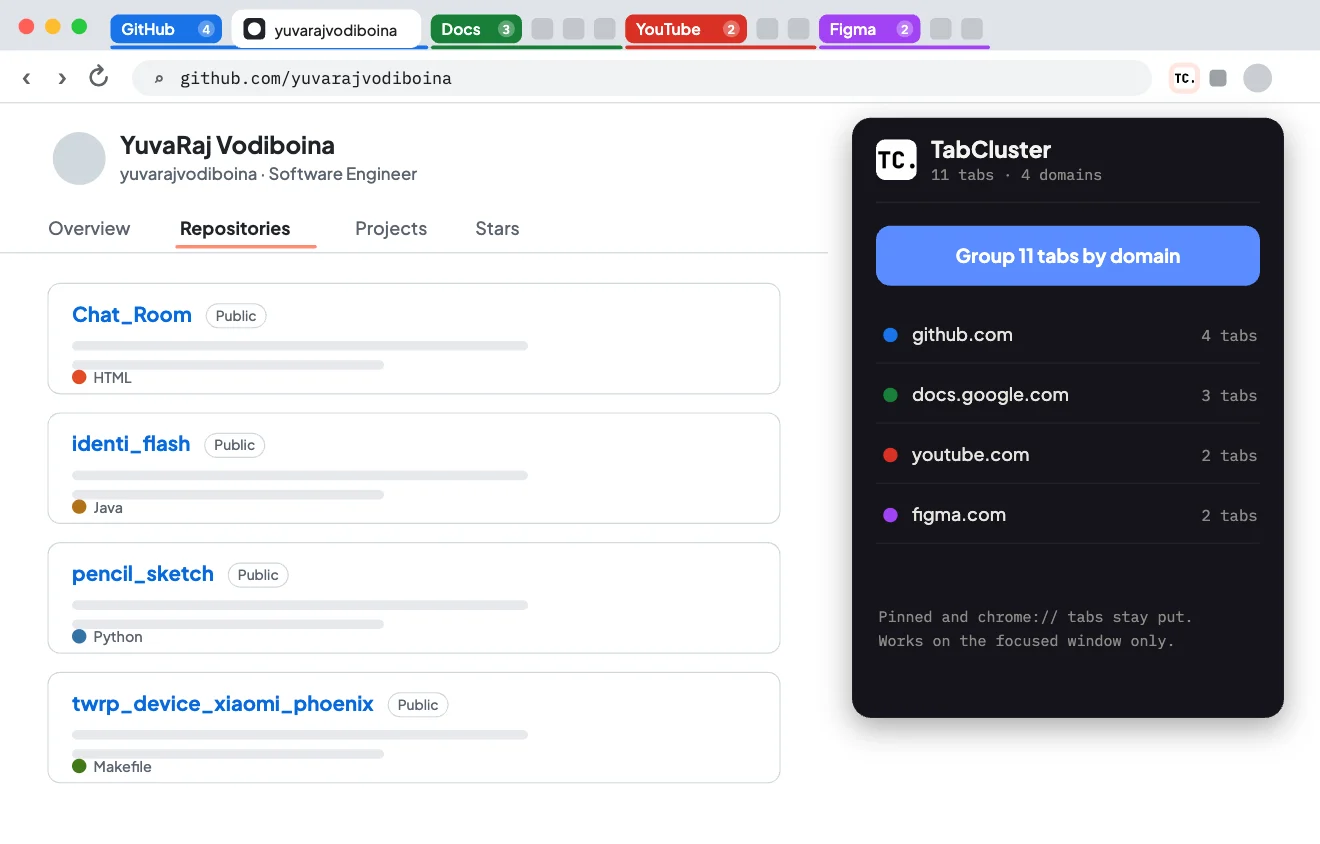
4 steps- 01
Click the icon
Your open tabs appear, organised by website.
Open larger: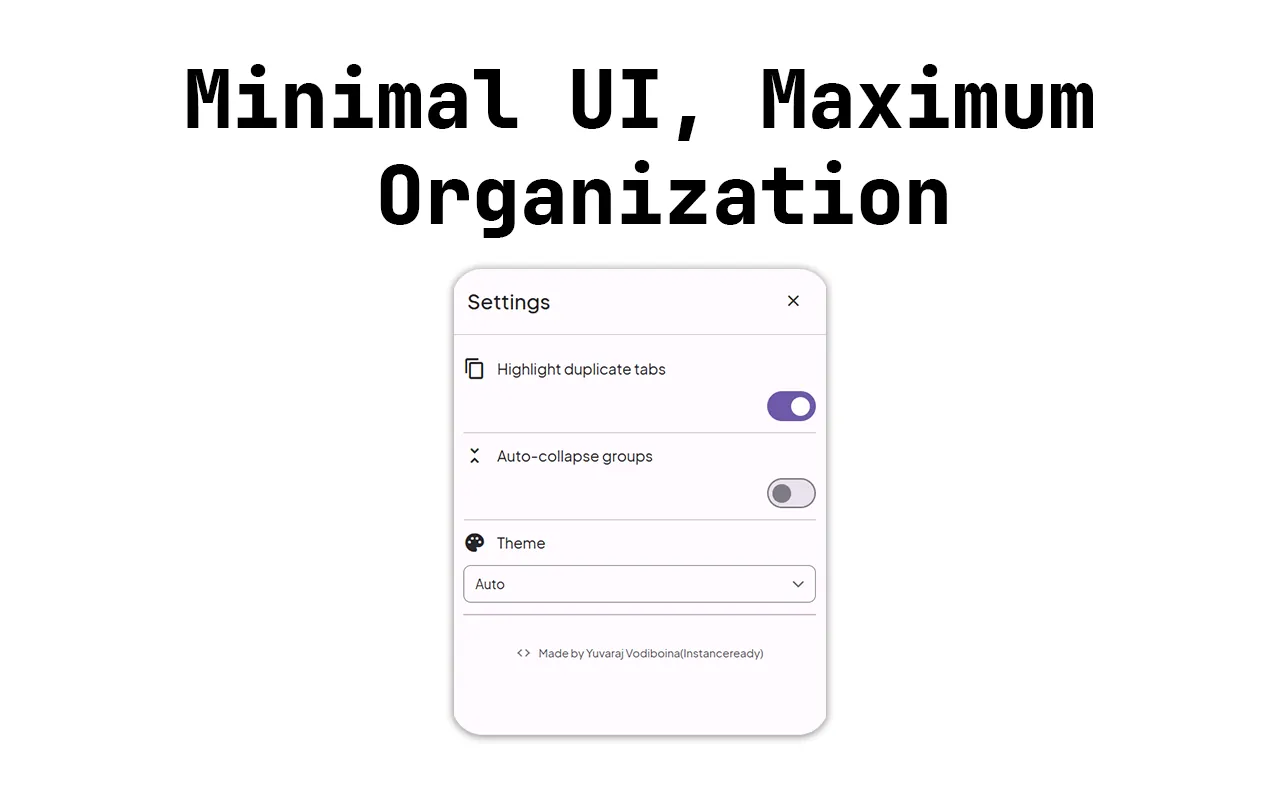
- 02
Preview the groups
See exactly what will be grouped before anything changes.
Open larger: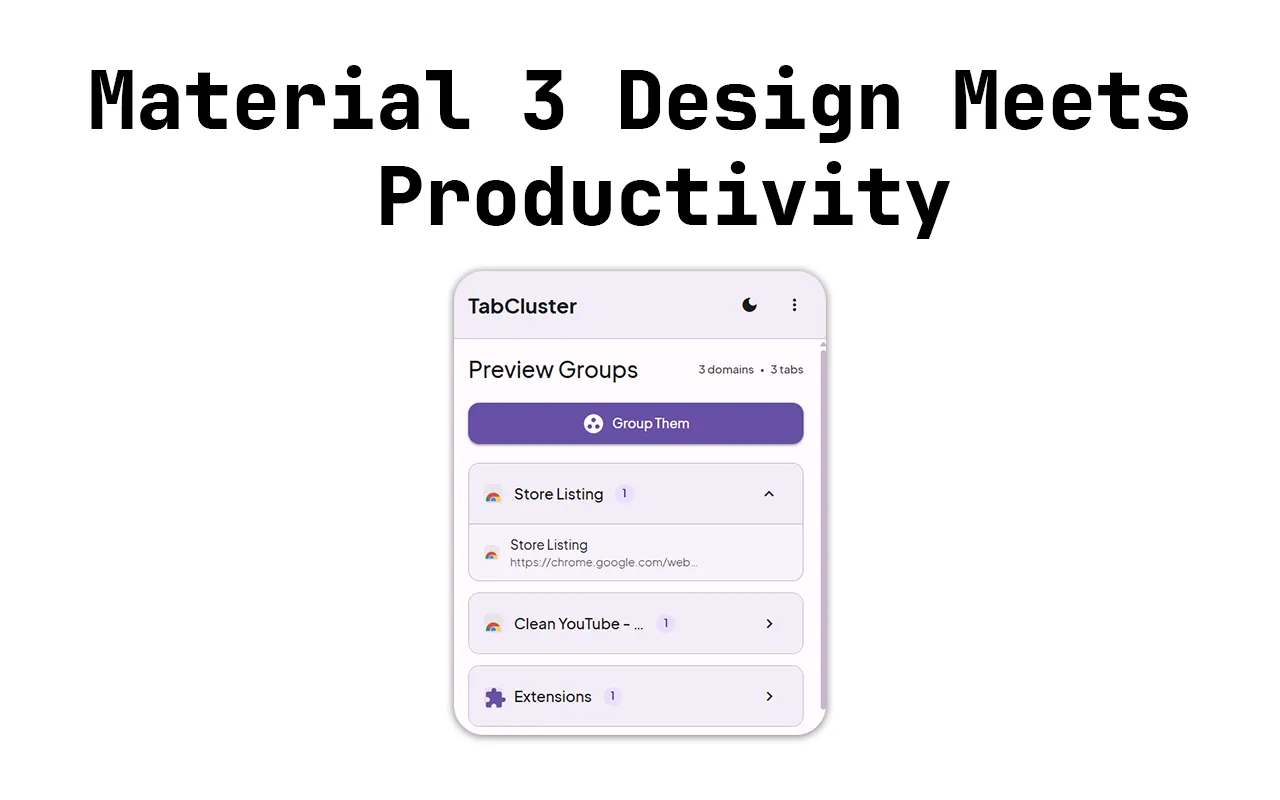
- 03
Group them in one click
Every site becomes a colour-coded Chrome tab group.
Open larger: - 04
Save the workspace
Store the whole layout, and bring it back whenever you need it.
Open larger:
The problem
I usually have 30+ tabs open and can’t find anything: research, docs, email and three half-finished shopping carts, all in one tab strip. Chrome has tab groups, but I was never going to set them up by hand every morning. One click had to be enough.
What I built
One button that groups every tab by domain using the Tabs and Tab Groups APIs, serializing and restoring session state. A chrome.windows.update pre-flight focuses the window first, because grouping fails without it. Pinned tabs, chrome:// pages and tabs that are still loading each get their own rules.
Hard partA grouping call that failed without a word on any window that wasn’t focused.
What it does
- 01
Grouping by site
One click, with duplicates spotted inside each group.
- 02
Preview first
Nothing changes until you press Group.
- 03
Saved workspaces
Save a whole layout for each project, and restore it later.
- 04
Quick actions
Pin, mute and close tabs straight from the popup.
- 05
Keyboard shortcuts
And a right-click menu, for working fast.
- 06
Material 3
A clean popup, with light and dark themes that follow yours.
Under the hood
- 01PopupOne click
- 02Tabs APIReads every open tab
- 03Group by sitePinned, chrome:// and loading tabs set aside
- 04Tab Groups APIA colour-coded group per site
Decisions
- 01
Rebuild all groups on every run
Tracking which tabs moved, merged or closed is error-prone. A full rebuild is O(n) and always correct.
Trade-offSlightly slower with 100+ tabs, though not noticeably.
- 02
Group by domain only, with no heuristics
It’s predictable, instant and offline. People know exactly what the rule is.
Trade-offIt can’t group by topic across different sites.
A bug I remember
Groups that silently didn’t happen
- What it did
- Grouping did nothing on any window that wasn’t focused, and reported success.
- Why
- The Tab Groups API needs its window focused for some operations. It didn’t throw; it returned as if it had worked. Finding the silent call took three hours of logging.
- The fix
- Focus the target window first with
chrome.windows.update, group its tabs, then give focus back to the window you were in.
What I tried first
Grouping by topic
I tried clustering tab titles with a small classifier. “React docs”, “React tutorial” and “React GitHub” ended up in different clusters. Grouping by site is a rule people can predict.
Updating groups bit by bit
Tracking which tabs moved raced with tabs opening and closing mid-run. A full rebuild never leaves things half done.
What I learned
- The happy path was about 20% of the work. Edge cases made up most of the bugs.
- People don’t want to configure grouping rules. They want one button that works every time.
Timeline
First version
One click groups every open tab by site.
1.2.10
A preview before anything moves, workspaces you can save and bring back, and a fresh icon.
Built with
JavaScriptManifest V3Tabs APITab Groups API
Your dataIt runs entirely in your browser, with no analytics and no external servers.