Speaker Cleaner
Water Eject
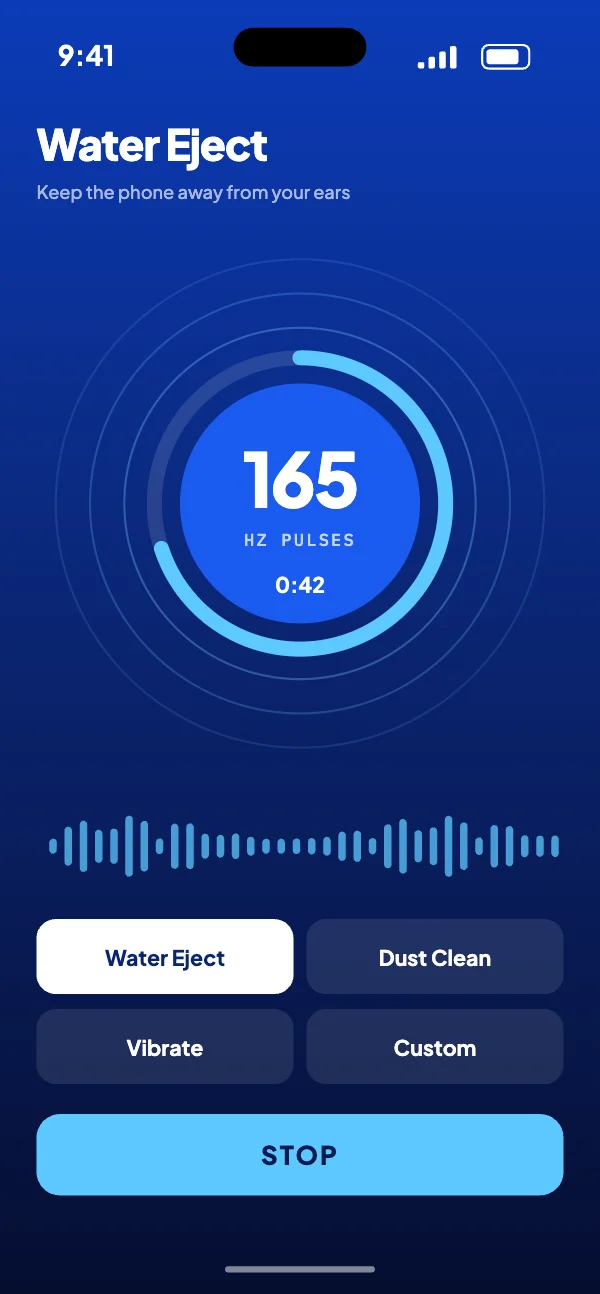
A 165 Hz tone that pushes water out of your phone’s speaker in about a minute.
- Platform
- Android
- When
- 2026
- Role
- Sole developer
- Price
- Free, with ads
- Status
- In closed testing
How it works
4 steps- 01
Pick a mode
Water Eject, Dust Clean, Vibrate or Custom. Water Eject is ready to go.
Open larger: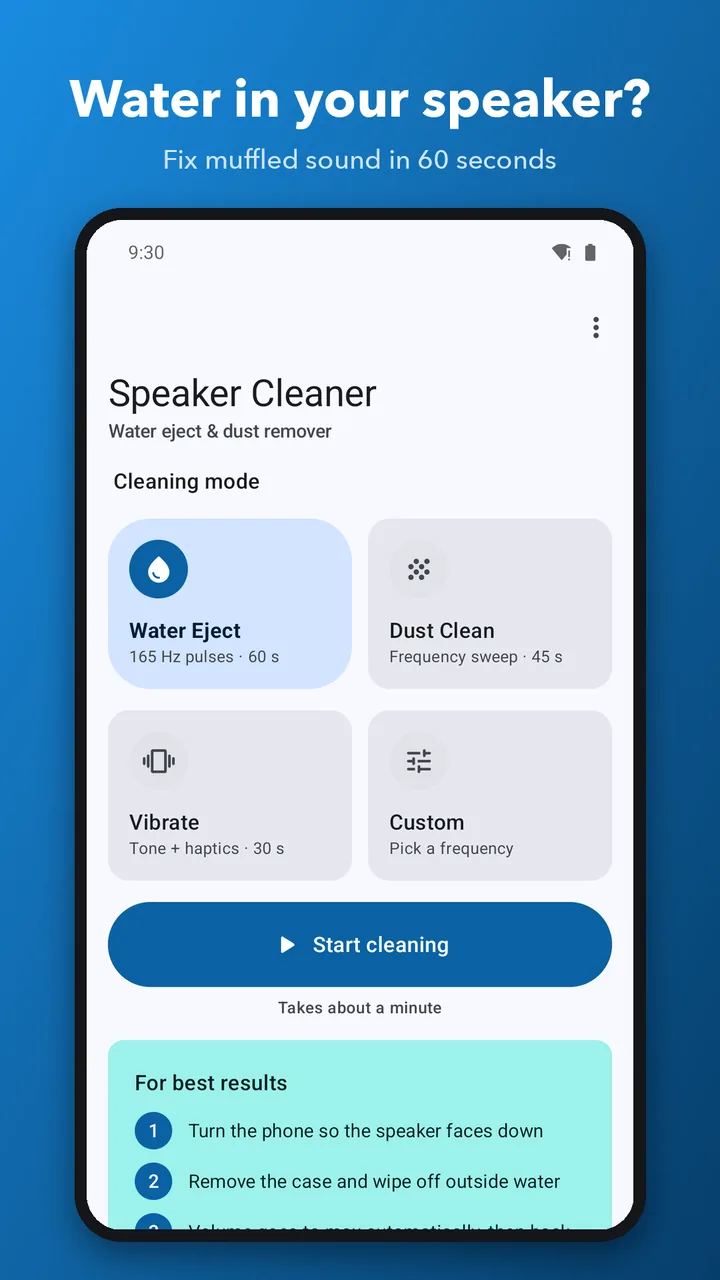
- 02
Tap Start
The volume goes to max, the tone plays through the speaker, then your volume comes back.
Open larger: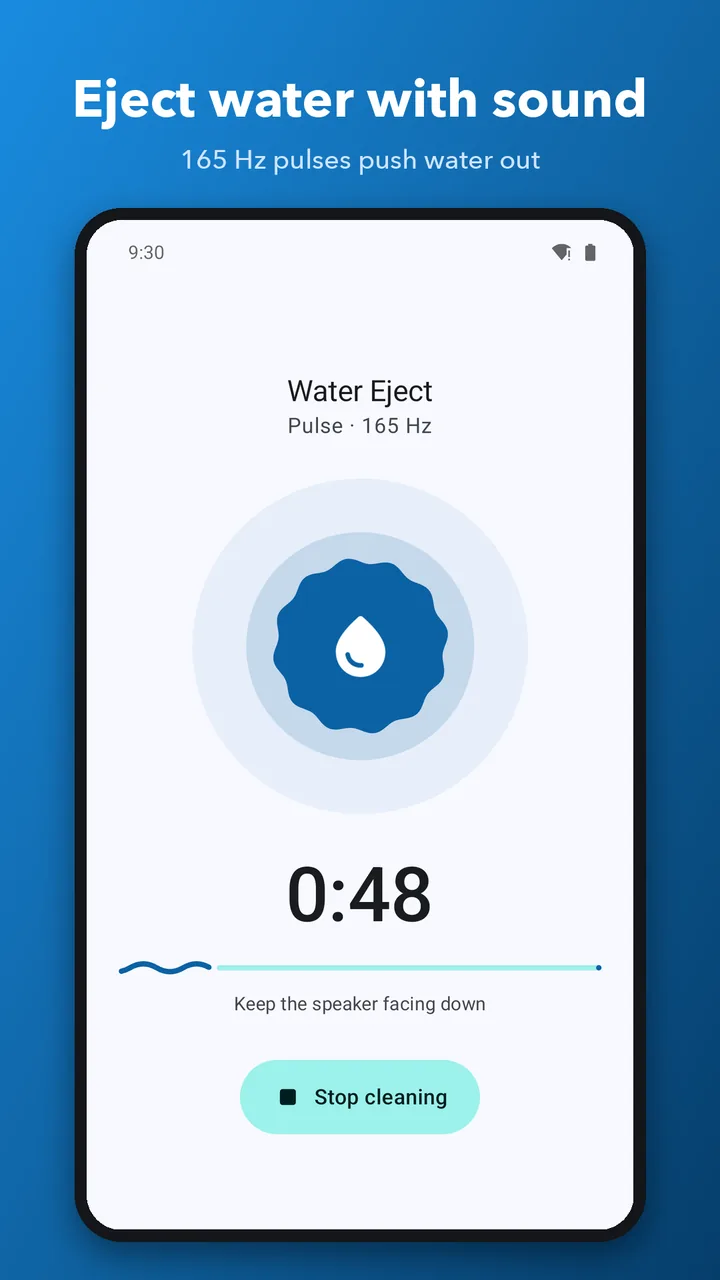
- 03
Add vibration if needed
Vibrate mode adds strong haptics to the tone, for droplets that won’t move.
Open larger: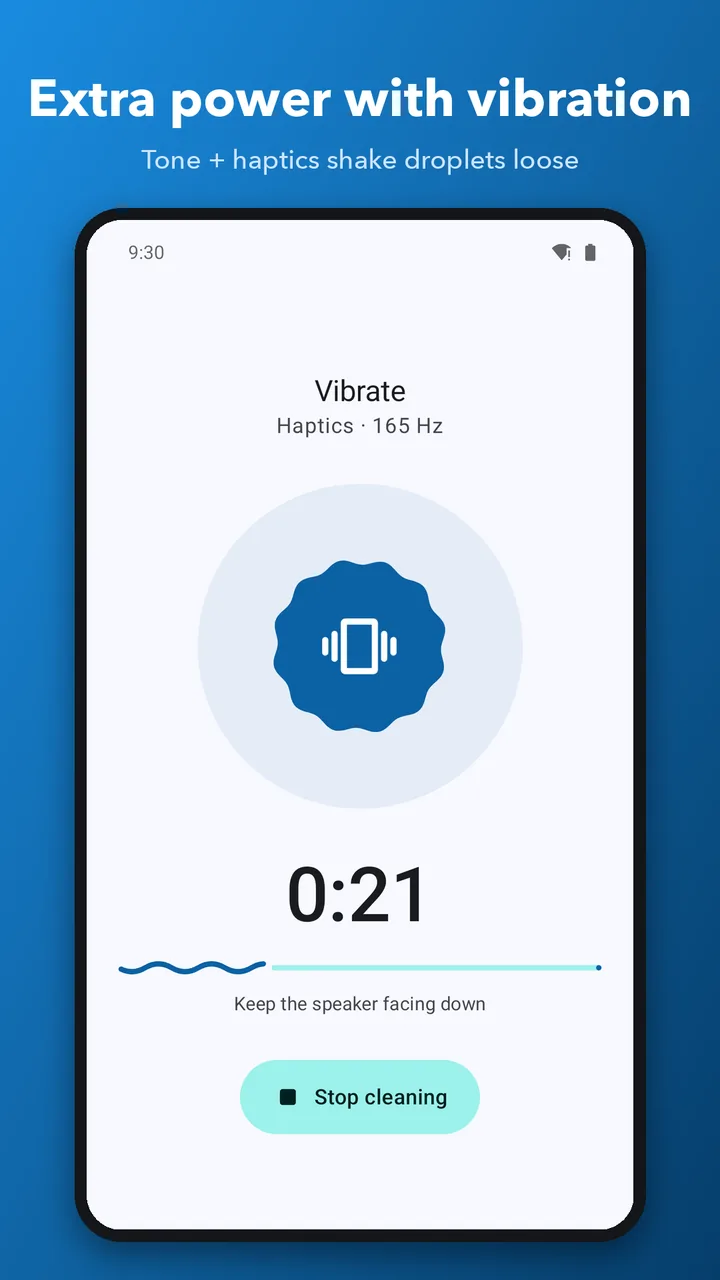
- 04
Test your speaker
Play the test sound and hear whether the muffle has gone.
Open larger: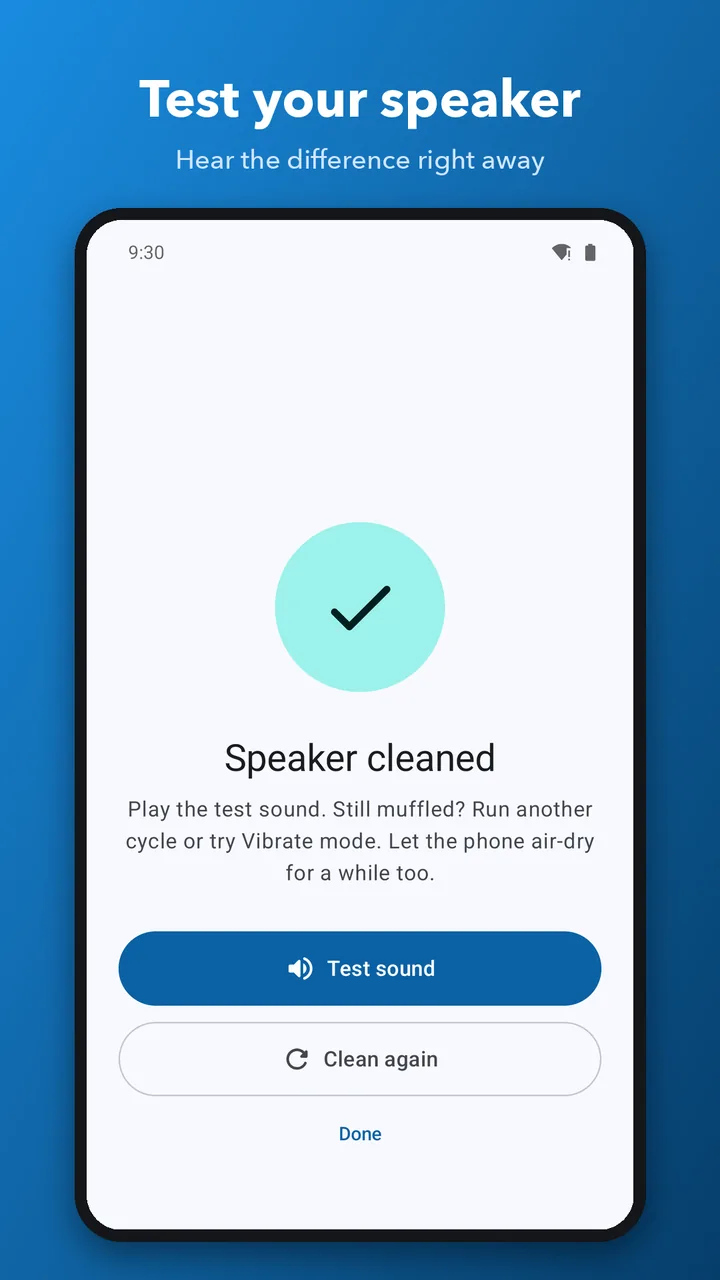
The problem
Rain, a splash or a quick rinse, and every call and song sounds like it’s coming from under a pillow. Water sits in the speaker mesh. Shaking the phone rarely helps, and rice does nothing for a speaker.
What I built
Sound fixes it: a low 165 Hz tone moves the speaker hard enough to push the droplets back out through the grill, the same idea as Water Lock on a smartwatch. Tap Start, the volume goes to max, the tone plays for about a minute, and your volume comes back. There’s Dust Clean (a 45-second sweep), Vibrate for stubborn droplets, any frequency from 50 to 1000 Hz, a test sound to check the result, and home-screen shortcuts.
Hard partTurning the volume all the way up for the clean, and always giving yours back.
What it does
- 01
165 Hz water eject
Pulses and low sweeps push droplets out through the grill in about a minute.
- 02
Dust Clean
A 45-second frequency sweep shakes dust and lint out of the mesh.
- 03
Vibrate mode
Tone and vibration together, for stubborn water.
- 04
Any frequency
Anything from 50 to 1000 Hz, with a slider or presets.
- 05
A test sound
Check the result straight after cleaning.
- 06
Home-screen shortcuts
Long-press the icon to start Water Eject or Dust Clean.
Under the hood
- 01ModeWater Eject, Dust Clean, Vibrate or Custom
- 02Tone engine165 Hz pulses and low sweeps
- 03Speaker sessionVolume up for the clean, then yours back
- 04Test soundHear the result
The main speaker or the earpiece
On Android 12 and later the tones can go to the main speaker or the earpiece. The earpiece needs communication mode, which the tone engine enters and leaves inside a single speaker session.
Ads never stand in the way
An ad that fails to load never blocks a clean, and the home-screen shortcuts only start a clean straight away when no ad would come first.
Decisions
- 01
The same tone on the web, before the app was out
Anyone with a wet speaker today can play it in a browser.
Trade-offA web page can’t turn your volume up for you, so the app does more.
- 02
Offline, with no sign-up, and it never records audio
Cleaning a speaker shouldn’t need a connection, an account or a microphone.
Trade-offIt can’t check the speaker for you. The test sound lets you hear it yourself.
Timeline
1.0.1, in testing on Google Play
Water Eject, Dust Clean, Vibrate and Custom, and a test sound to check your speaker afterwards. It opens to everyone in October.
Built with
KotlinJetpack ComposeMaterial 3 ExpressiveAdMobWeb Audio, for the browser version
Your dataNo account and no sign-up, and it never records audio. Cleaning works offline.
Every screen
6 from the store listing- Open larger:
01Water in your speaker? Fix it in 60 seconds
- Open larger:
02Eject water with a 165 Hz tone
- Open larger:
03Extra power with vibration
- Open larger:
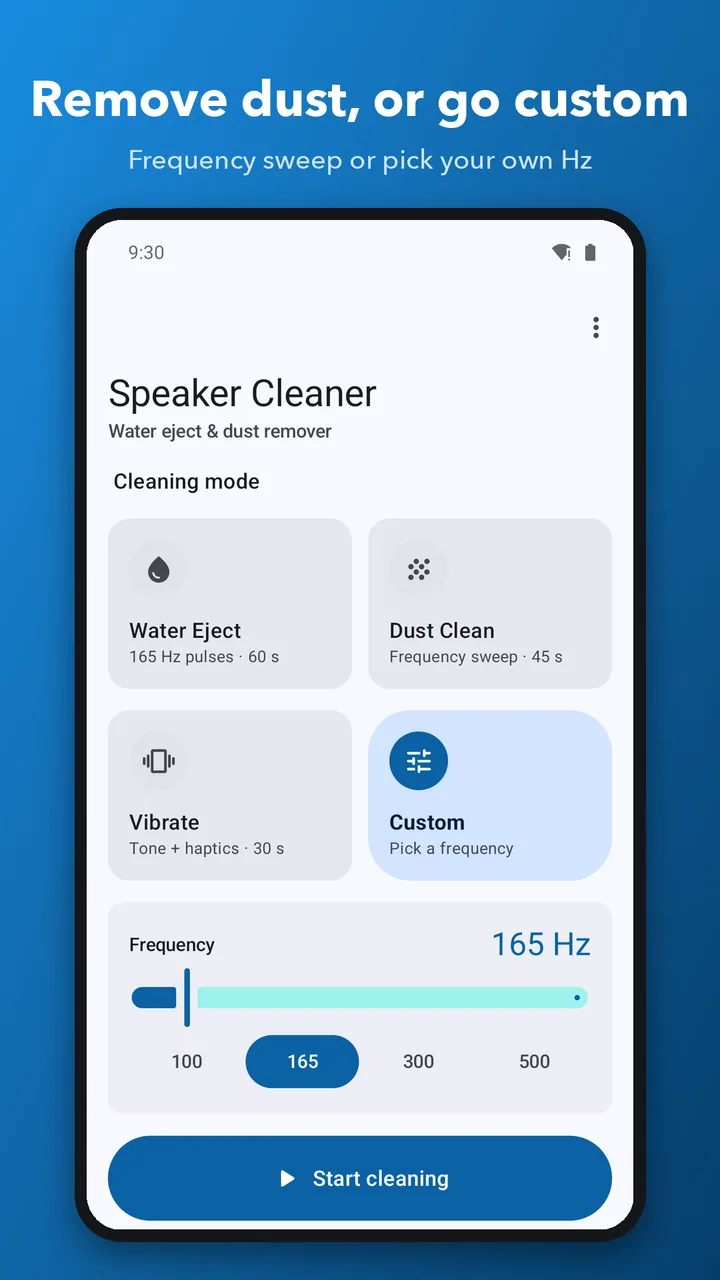
04Remove dust, or pick your own frequency
- Open larger:
05Test your speaker after cleaning
- Open larger:
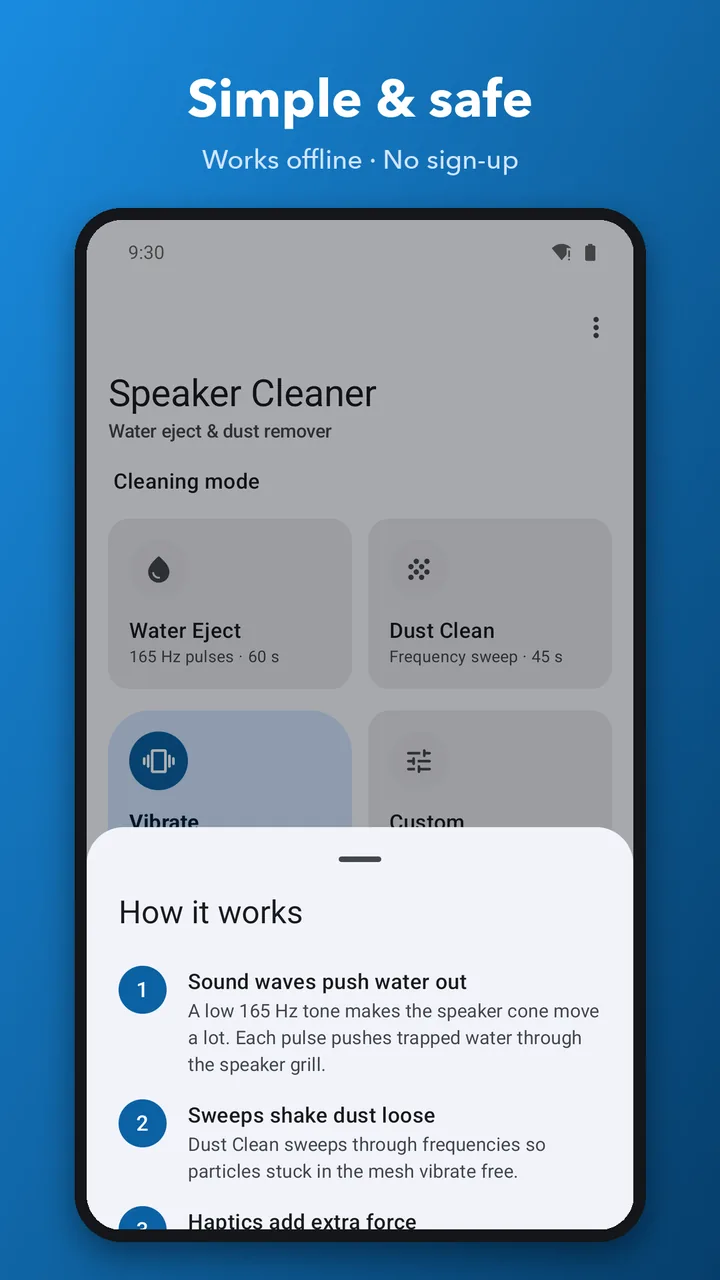
06Simple, safe and works offline