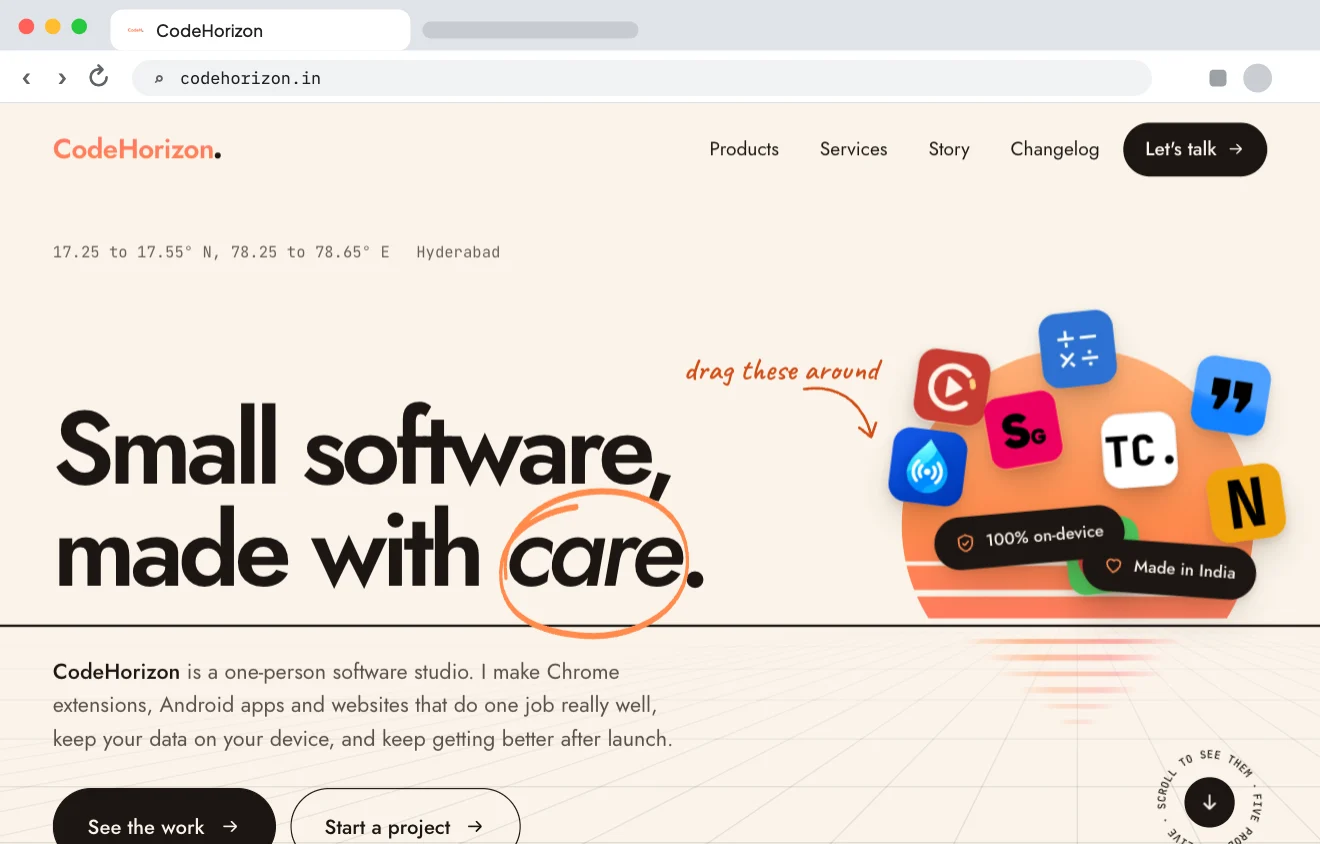
Feathervid
Video Tools in the Browser
Fifteen free video and audio tools that run in your browser. Compress, convert, trim, resize or add subtitles, and the file never leaves your device.
- Platform
- Web app
- When
- Nov 2026
- Role
- Sole developer
- Tools
- 15, for video and audio
- Price
- Free, with paid captions
- Status
- Live at feathervid.com
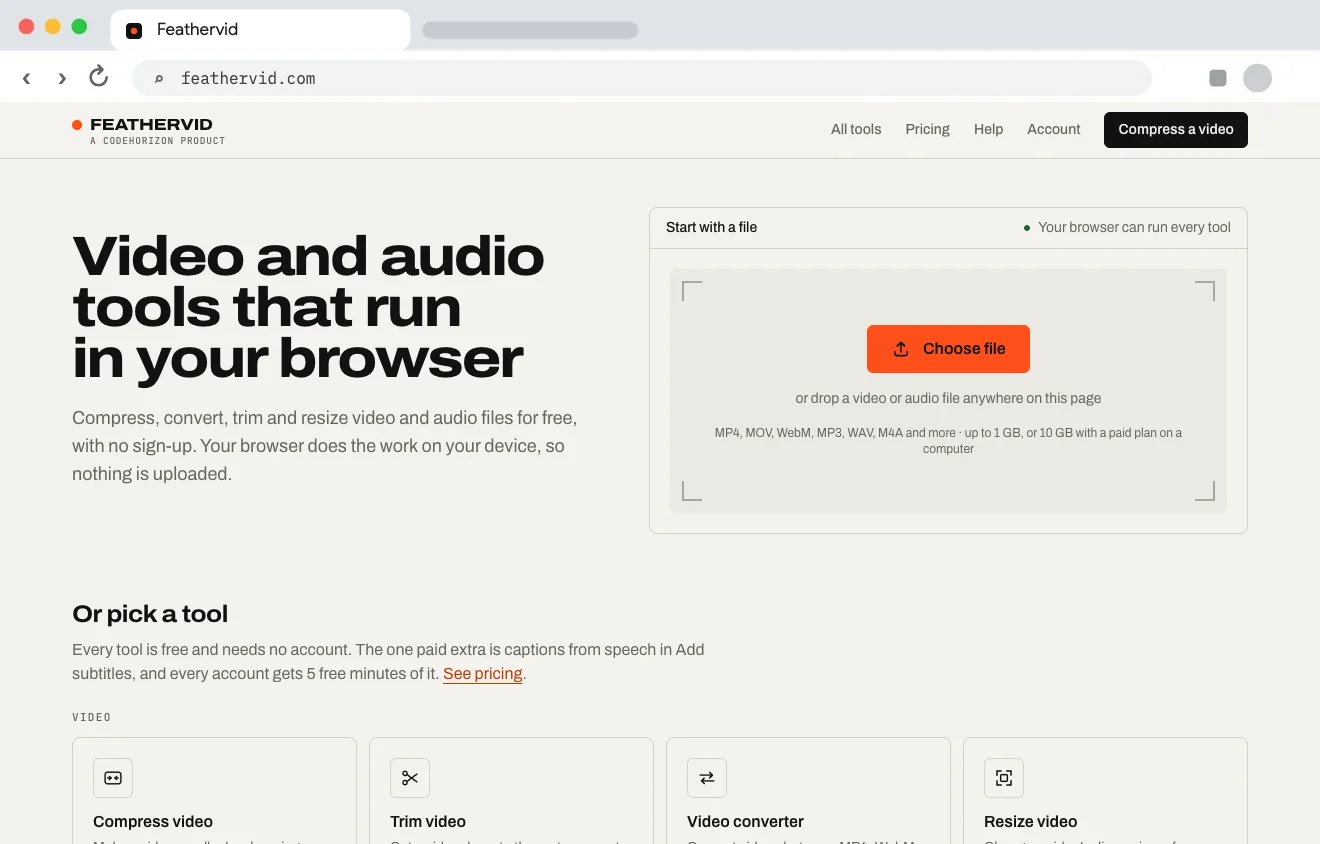
How it works
5 steps- 01
Pick a tool, or drop a file
Drop any video or audio file on the home page to see which tools fit it, or open one of the fifteen.
Open larger: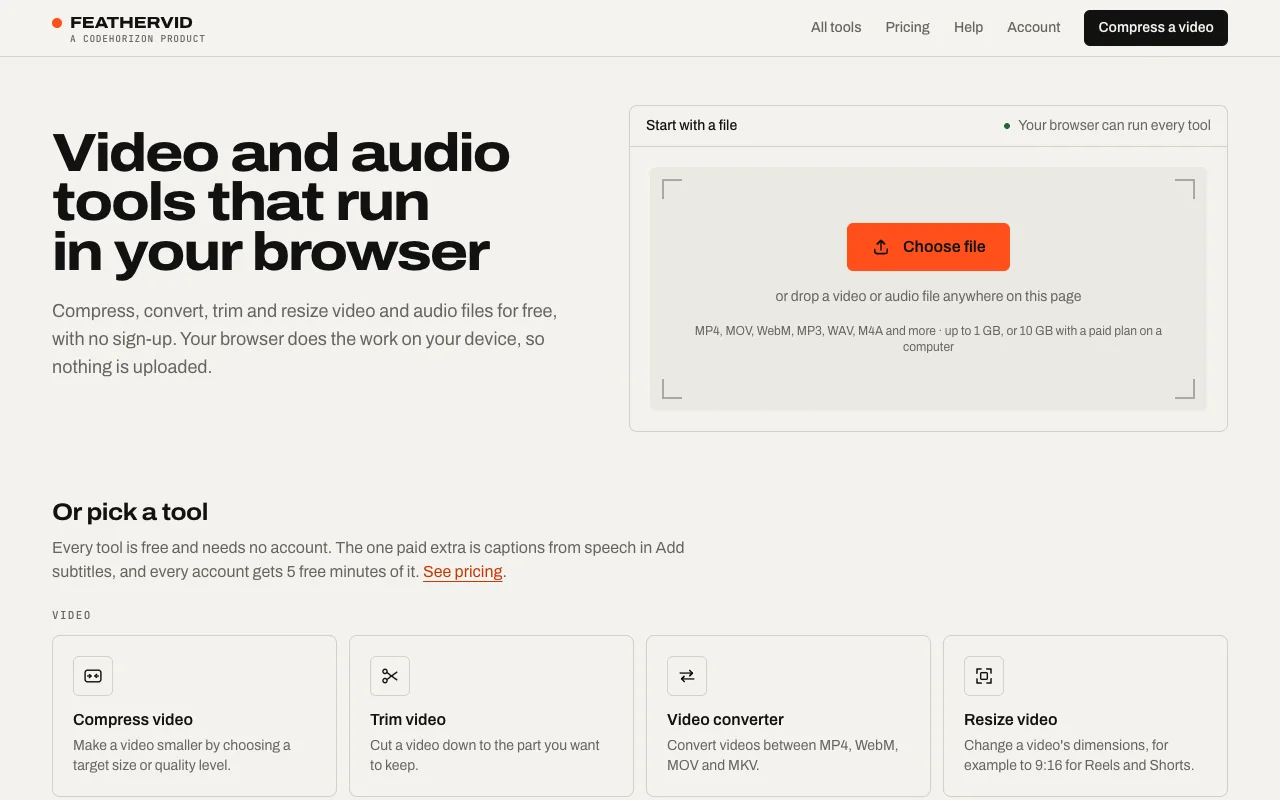
- 02
Choose your settings
A target size such as 25 MB, a quality level, a format, or a new shape such as 9:16.
Open larger: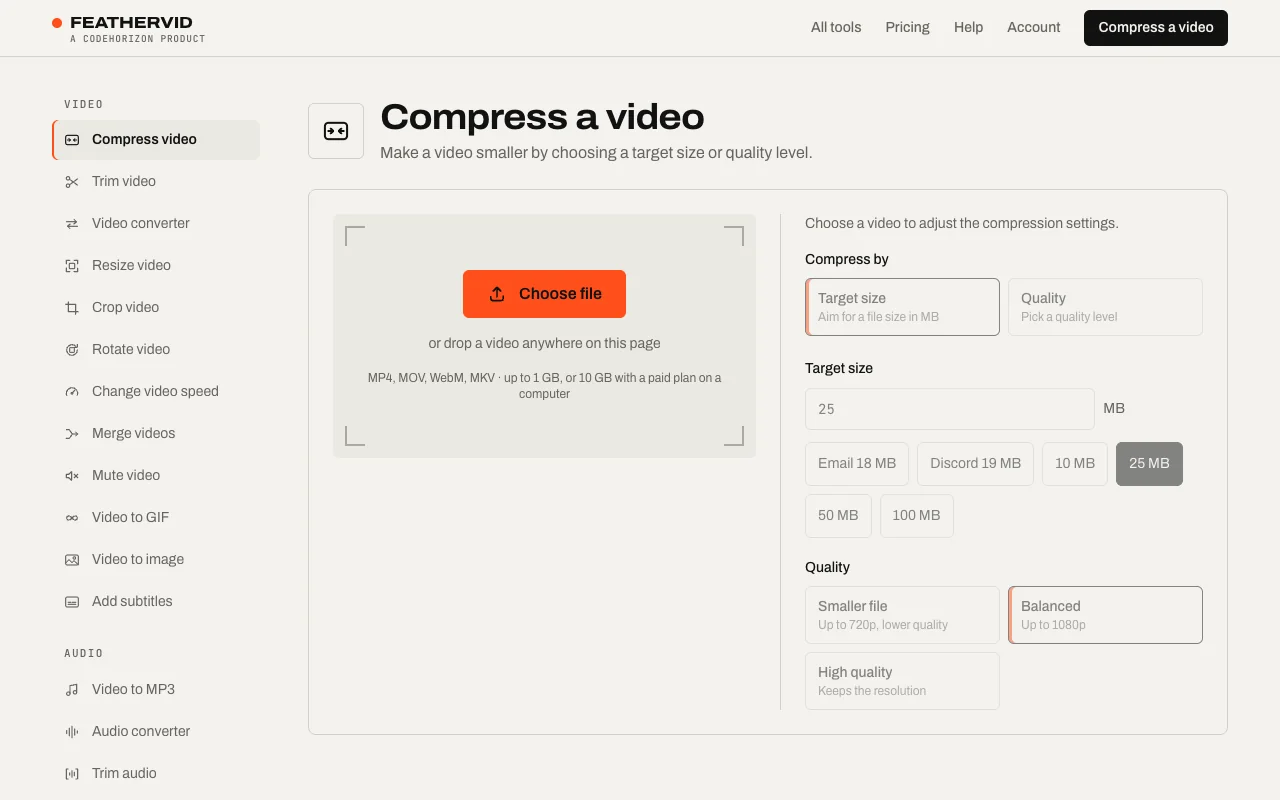
- 03
Cut what you need
Set a start and an end. When the format allows, the video is copied as it is, so it’s quick and loses nothing.
Open larger: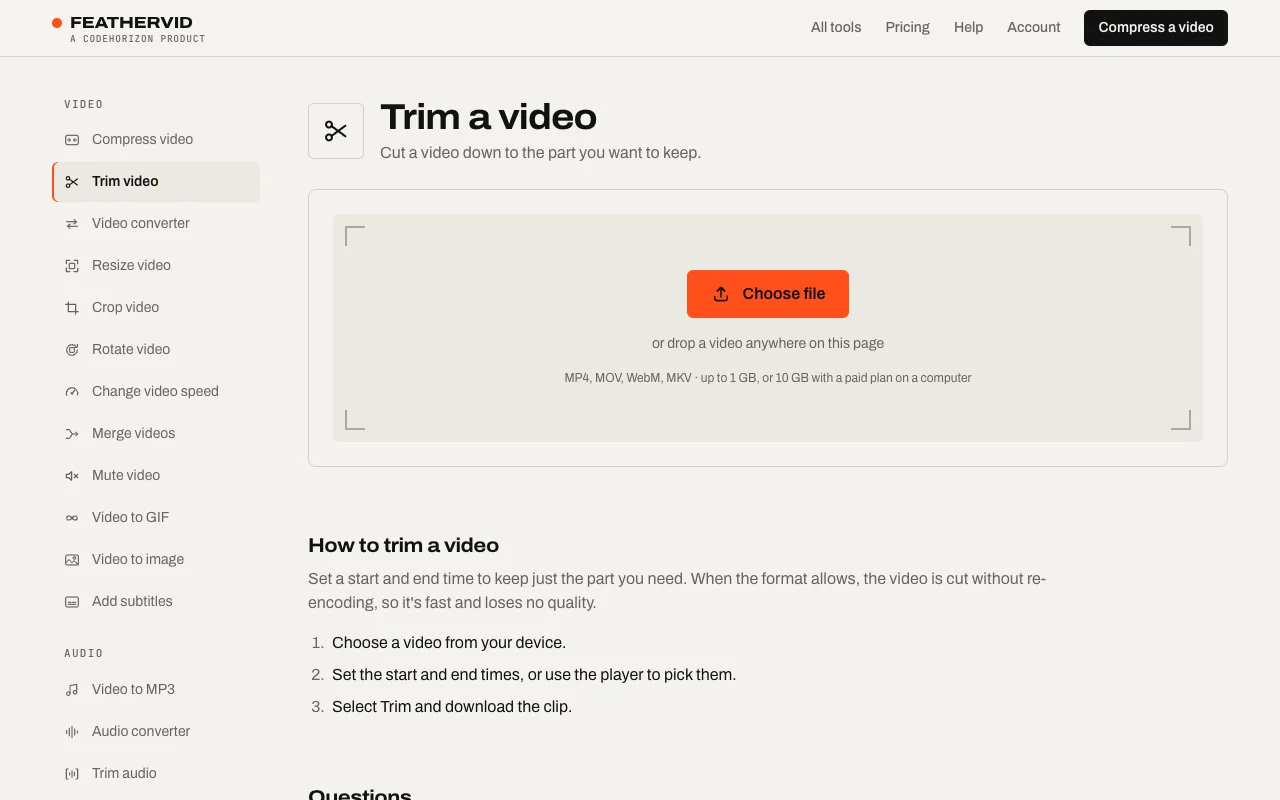
- 04
Add subtitles
Load an SRT or VTT file or type them, check them on the video, and burn them in.
Open larger: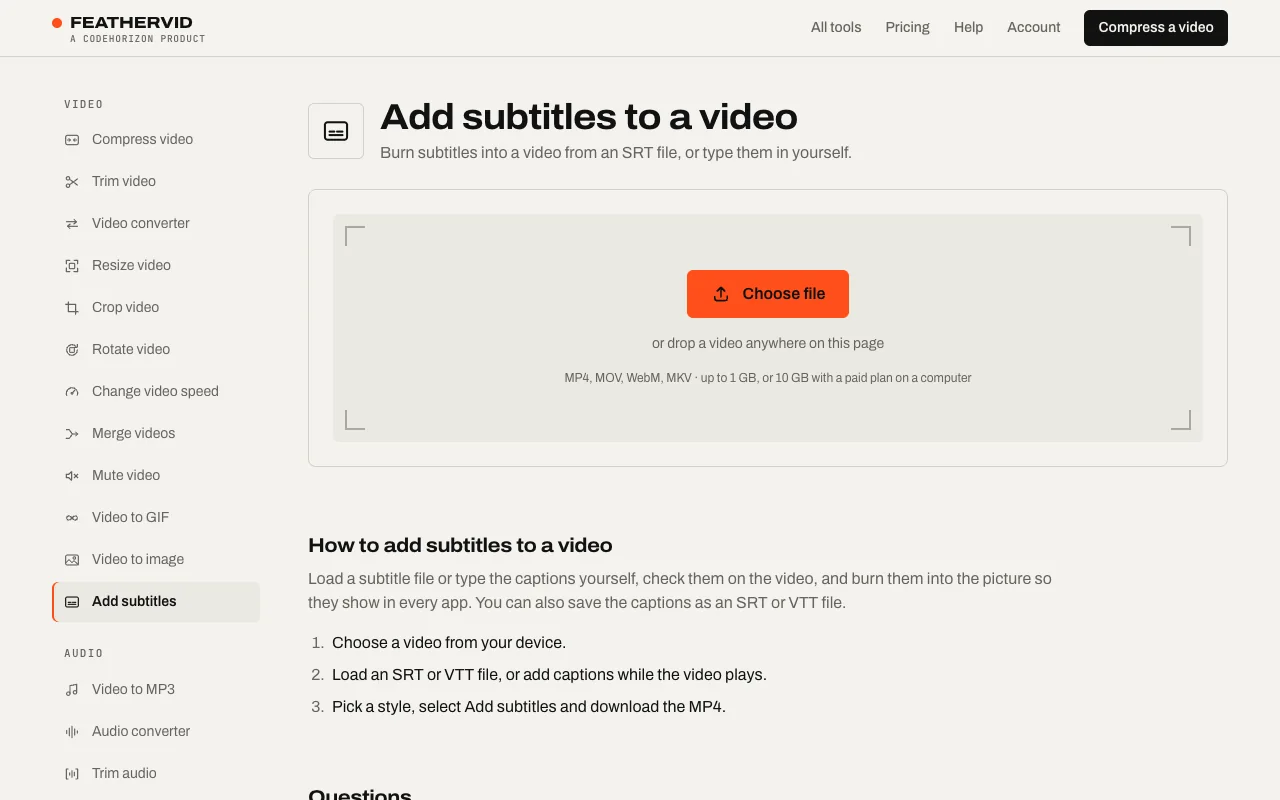
- 05
Keep just the sound
Pull the audio out as MP3, M4A, OGG or WAV.
Open larger: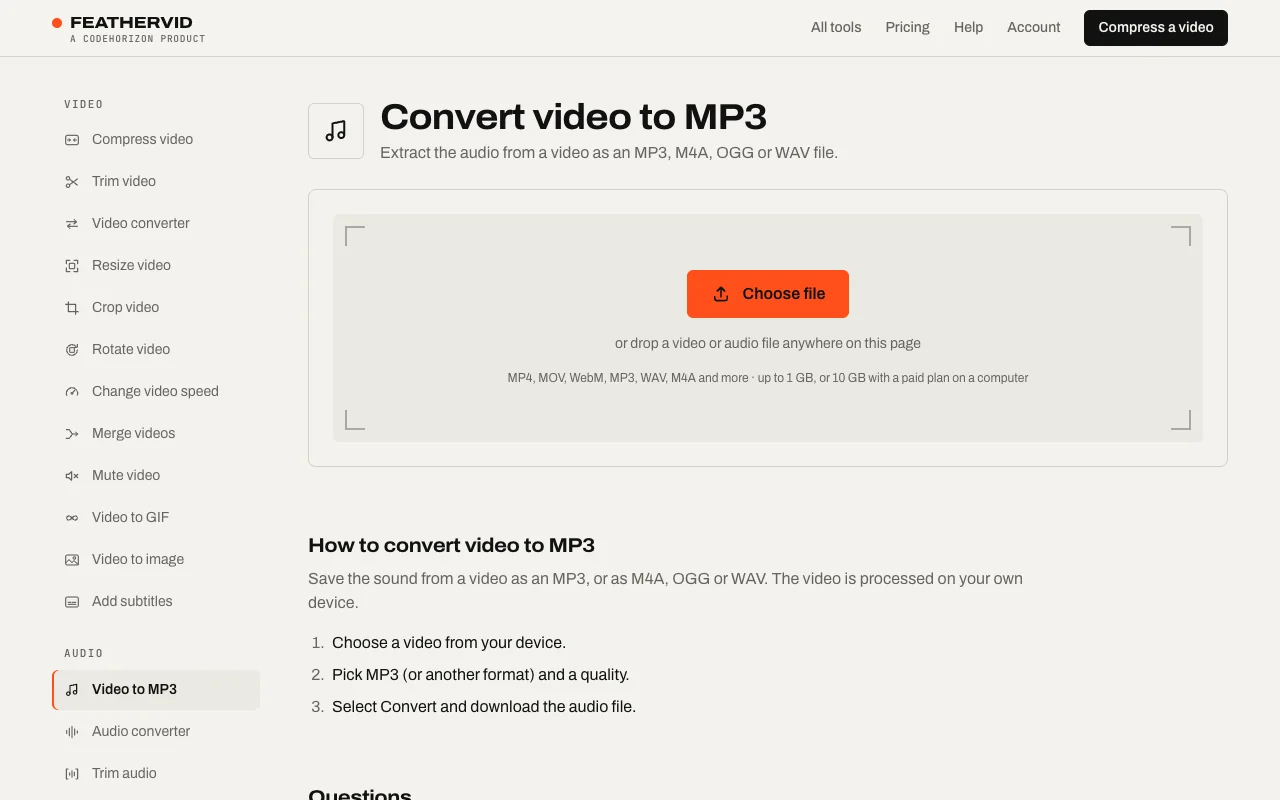
The problem
Most online video tools upload your file before they do anything with it. On a big recording that’s a long wait, and the video ends up on someone else’s computer. Browsers can now encode and decode video themselves, so the work can happen where the file already is.
What I built
A Next.js 16 and React 19 site, exported as static files to Firebase Hosting, so the free tools cost nothing to serve. Each tool turns its settings into a ConversionPlan, a small object made by a pure, unit-tested function, and one engine runs every plan with Mediabunny on the browser’s own WebCodecs encoders and decoders. MP3 comes from LAME compiled to WebAssembly, loaded only when it’s needed. Captions from speech, the one paid extra, run on Firebase: Google sign-in, Cloud Functions, Firestore for the minutes, AssemblyAI for the speech and Dodo Payments for checkout.
Hard partReal video work in a browser tab, on files up to 10 GB, with no server for the free tools.
What it does
- 01
Nothing is uploaded
The browser reads and processes the file on your own device.
- 02
Fifteen tools
Compress, convert, trim, resize, crop, rotate, change speed, merge, mute, make a GIF or a still, and pull out or convert audio.
- 03
Compress to a size
Aim for 25 MB for email or a chat app, or pick a quality level.
- 04
Files up to 10 GB
Up to 1 GB free. On a computer, a paid plan goes to 10 GB, written to the browser’s own storage as it’s made.
- 05
Subtitles, burned in
From an SRT or VTT file, typed by hand, or made from the speech.
- 06
No sign-up
Every tool is free and needs no account. Only captions from speech need a Google sign-in.
Under the hood
- 01ProbeWhat the file is
Only the parts it needs: format, duration, tracks, and whether this browser can decode them.
- 02PlanSettings to a ConversionPlan
A pure function, so every tool’s logic is unit-tested without a browser.
- 03EngineMediabunny on WebCodecs
Packets are copied when nothing forces a re-encode; otherwise the browser’s hardware encoder does the work.
- 04ResultA file to keep
Downloaded, or handed straight on to the next tool.
Tested on real video
Every tool runs end to end in Google Chrome on media made with FFmpeg, and FFprobe checks the result’s codec, size, dimensions and duration. Any console error, a CSP violation included, fails the test.
Motion that costs nothing
With the CPU slowed four times, total blocking time stays at 0 ms and layout shift under 0.001, and with reduced motion nothing moves at all.
Decisions
- 01
Mediabunny on WebCodecs, not ffmpeg.wasm
It uses the browser’s hardware encoders, loads only the code it needs and needs no special headers. ffmpeg.wasm’s core is about 31 MB, far slower than native, and its fast build needs cross-origin isolation, which breaks payment pop-ups.
Trade-offThe output depends on each browser’s codecs, so the engine picks the best one it has, and a browser without WebCodecs gets a clear notice.
- 02
No server for the free tools
Server-side FFmpeg costs money per job and needs uploads, storage and deletion. Static files on a CDN cost nothing until someone pays for captions.
Trade-offA slow device does the work itself.
A bug I remember
The refund that arrived first
- What it did
- Found in review before launch: if a refund reached the server before the payment it refunded, the refund was dropped, and the minutes stayed granted.
- Why
- Payment webhooks don’t promise an order, and the refund handler only looked for a payment that was already recorded.
- The fix
- A refund with no payment yet is held, and applied when its payment arrives. The payment tests now send events out of order.
Timeline
Seven tools in the browser
Compress, convert, trim and resize video, and pull out, convert or trim audio.
Eight more tools, and subtitles
Crop, rotate, speed, merge, mute, GIF, still image and burned-in subtitles.
Live at feathervid.com
Free tools with no account, and captions from speech as the one paid extra.
Files up to 10 GB
On a computer, paid plans open files up to 10 GB, written to the browser’s own storage as they’re made.
Built with
TypeScriptNext.jsReactMediabunnyWebCodecsWebAssemblyFirebasePlaywright
Your dataFiles are processed on your device and never uploaded. Captions from speech upload only the sound, deleted once it’s transcribed. Google Analytics counts visits and never sees your files.
Every screen
5 captured from feathervid.com- Open larger:
01Start with a file, or pick a tool
- Open larger:
02Compress a video to a size
- Open larger:
03Trim a video
- Open larger:
04Add subtitles to a video
- Open larger:
05Convert a video to MP3