Notilo
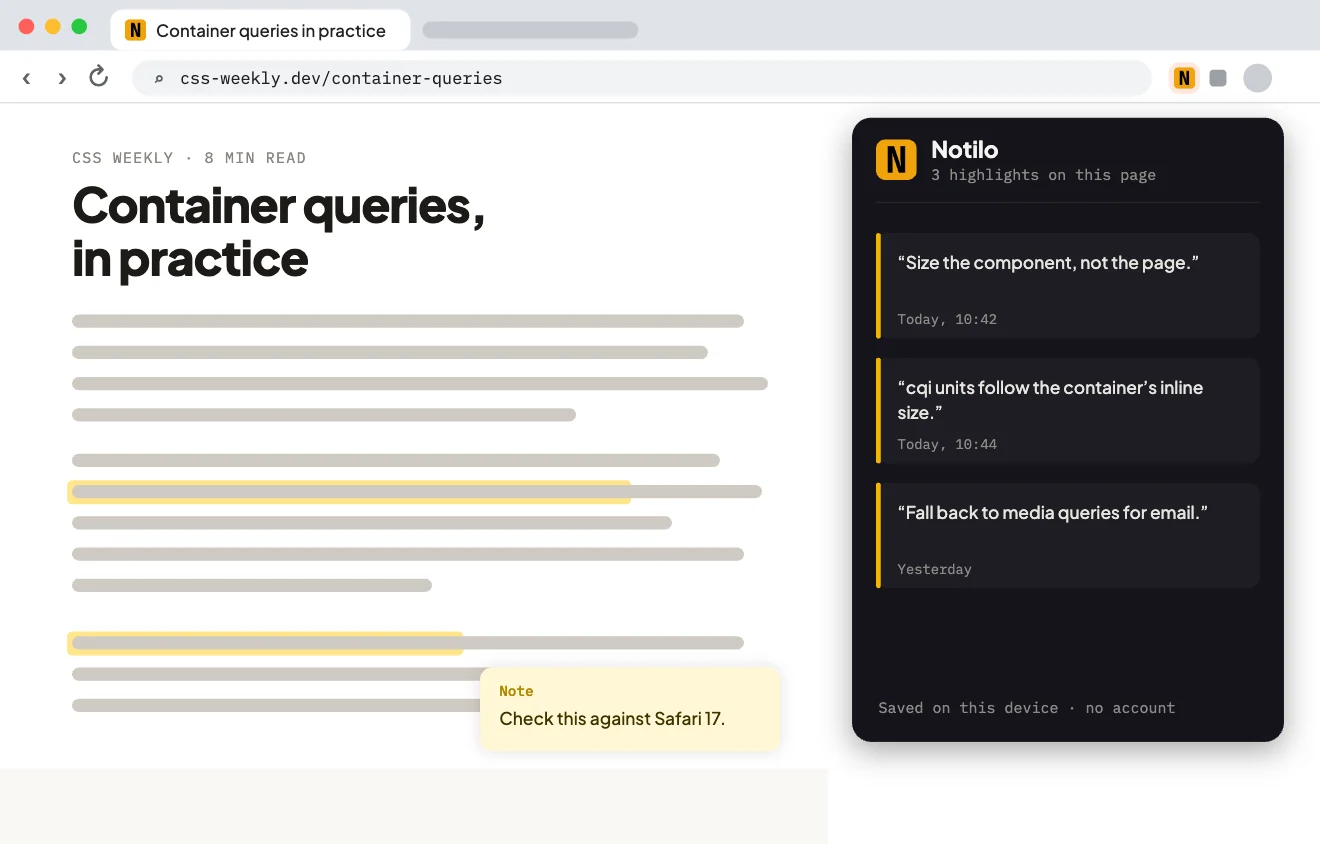
A web highlighter I built and published: notes in six colours, anchored to the exact words and kept on your device. It’s no longer live.
- Platform
- Chrome extension
- When
- May to Aug 2025
- Role
- Sole developer
- Last version
- 3.2.5, 20 Mar 2026
- Status
- No longer live
How it works
4 steps- 01
Select any text
On almost any website.
Open larger: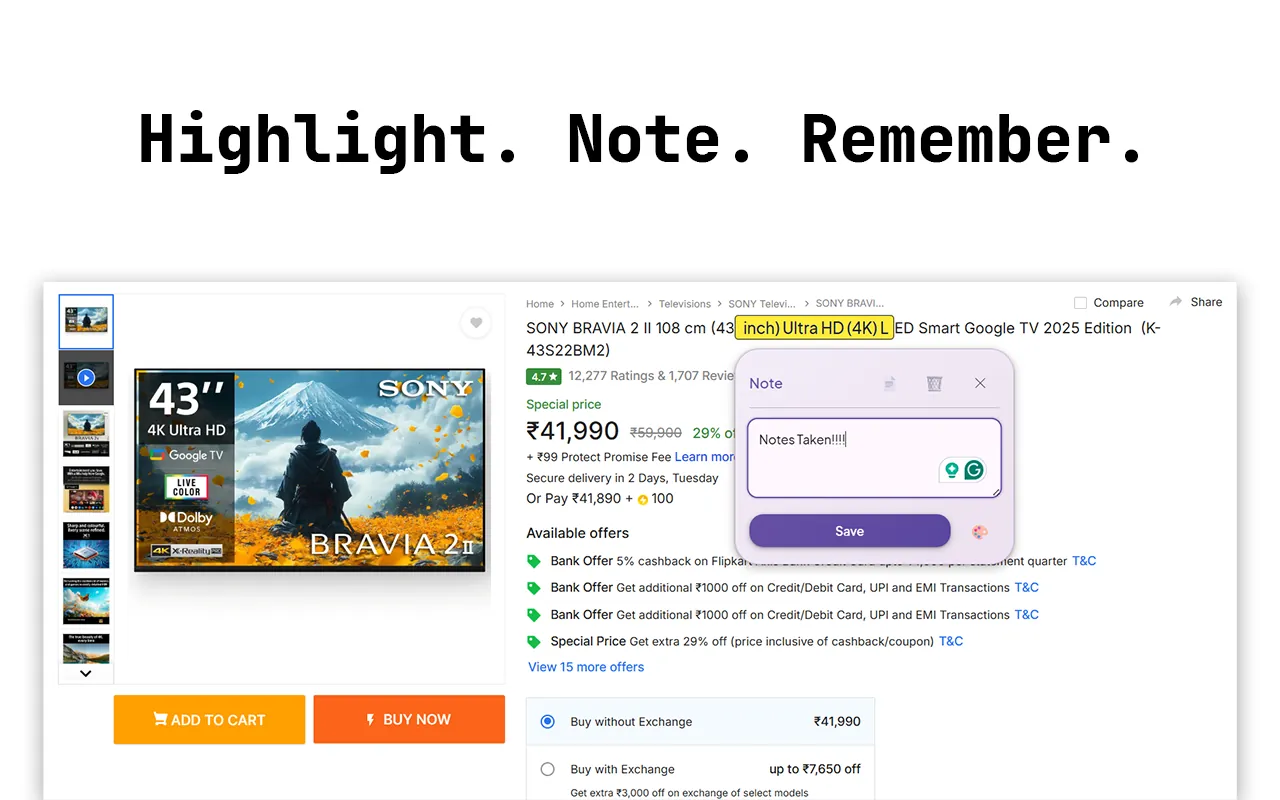
- 02
Tap the floating plus
Make a highlight, and attach a note right next to the text.
Open larger: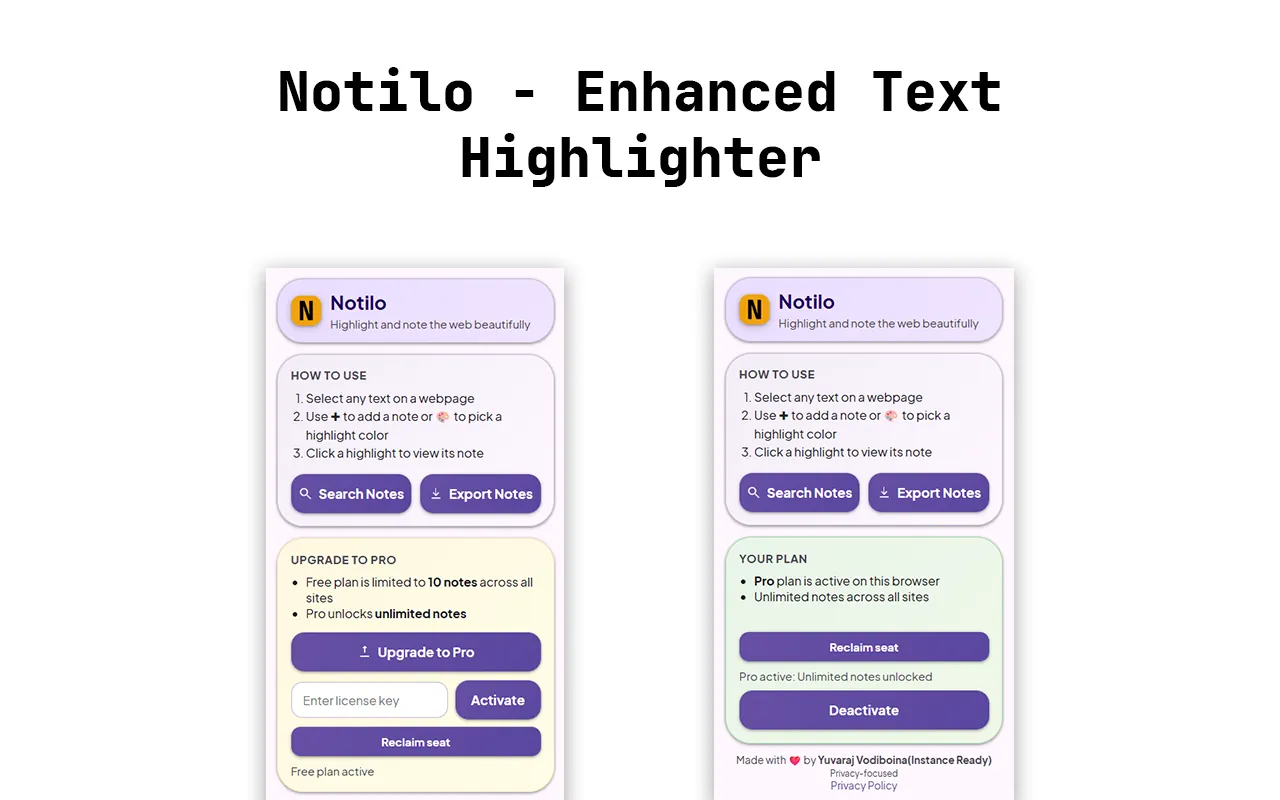
- 03
Colour and categorise
Six colours and six categories, changeable any time.
- 04
Search and export
Filter every note on the page, or download them as a text file.
Open larger: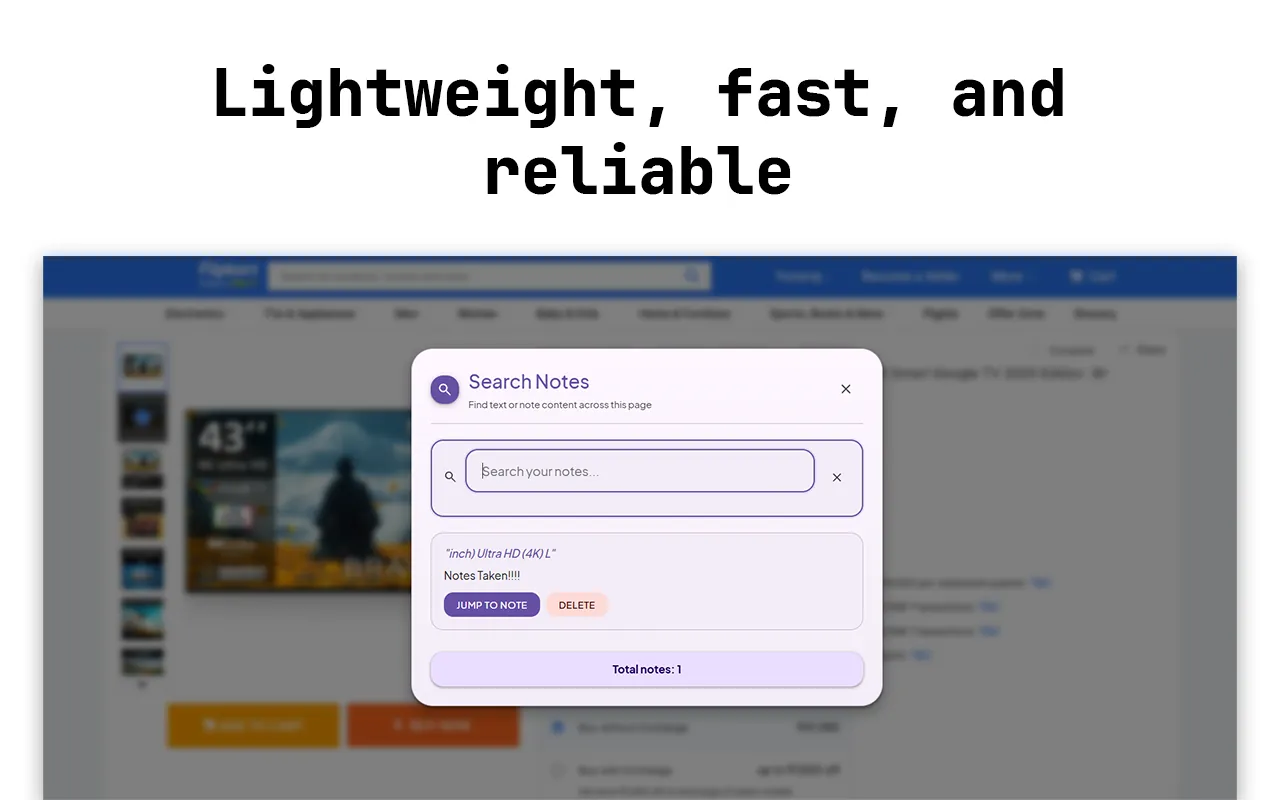
The problem
I spent two hours annotating a research paper, the browser cleared the session, and all of it was gone. The highlighter extensions I tried were heavy, needed an account, or sent my data somewhere.
What I built
Highlights anchored to text ranges with the Selection and Range APIs, so they survive re-renders and come back when you revisit the page. It had notes in six colours and six categories, in-page search, and export to a text file. Everything stayed in local storage, with no account and no sync.
Hard partRe-attaching a highlight that spans several DOM nodes after the page re-renders, or when you come back days later.
Under the hood
- 01Selection APIWhat you picked
- 02Range APIAnchored to the exact words
- 03chrome.storagePer page, on your device
- 04MutationObserverPuts highlights back as the page changes
Decisions
- 01
One storage key per URL
A simple key-value lookup, scoped to the exact page, that works offline.
Trade-offQuery strings and hashes create separate sets of highlights, which can be confusing on single-page apps.
- 02
MutationObserver instead of polling
It catches late-loading text as it appears and costs nothing while the page is idle.
Trade-offIt has to be disconnected carefully to avoid memory leaks.
A bug I remember
Highlights on the wrong word
- What it did
- Restored highlights landed on the wrong occurrence of a word, one or two along.
- Why
- Restoring matched by the text itself, and “important” appears six times in most articles. It reliably found the wrong one.
- The fix
- Save the selection’s character offset within the page’s text, and restore it from the text node that owns that exact range. Text is ambiguous; position isn’t.
What I tried first
The CSS Custom Highlight API
::highlightis the right long-term answer and was the first thing I tried, but Safari and older versions of Chrome didn’t support it. Wrapping ranges in the DOM runs everywhere.Cloud sync with accounts
It was planned for version 2, until I wrote the privacy policy: every URL you visit, and your notes, uploaded. Local-only was the product decision.
What I learned
- A selection can span dozens of elements. Re-wrapping it without breaking the layout takes careful node splitting.
chrome.storage.localhas limits. Pages with heavy annotation needed LRU eviction of old highlight sets.
Timeline
Built and published
Highlights in six colours, notes, in-page search and export.
3.2.5
Highlights read better in all six colours, search on a page is faster, and exports are cleaner.
No longer live
It stays here, and on codehorizon.in, as a record of what I built.
Built with
JavaScriptManifest V3Selection APIRange APIMutationObserver
Notilo is no longer on the Chrome Web Store.